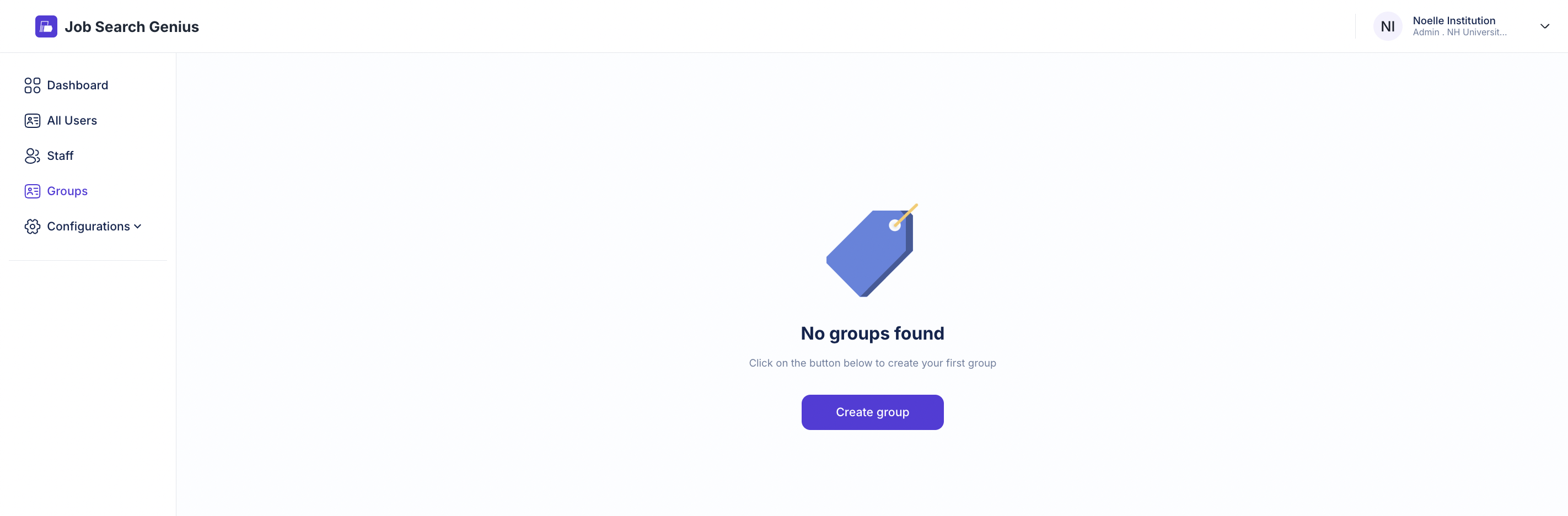
Click Groups in the left menu on your dashboard to create groups of users. This is an effective way to categorize your users. If you haven't added a group yet, the screen shown below will appear. To create a group, click the "create group" button.
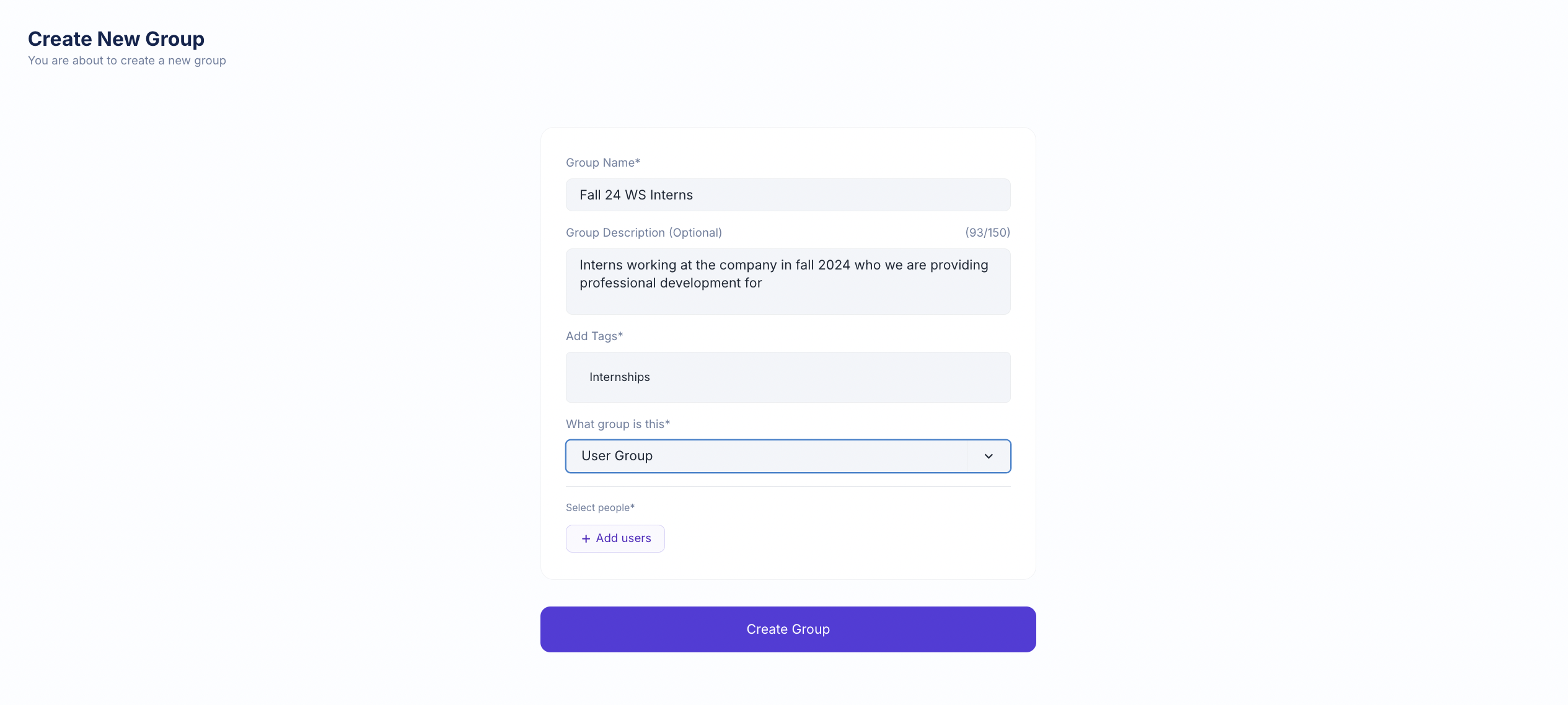
After clicking "create group," the screen below will appear.
Fill in the information according to your institution and needs. An example is shown in the image below.
Notes:
You need to add a comma after the name you write in the tag section
- You cannot create a group until you have students to place in that group