
The configurations section in your platform, as shown in the image to the right, houses the following:
- Domain Setup. Click this tab to complete custom domain setup or change your domain.
- UI Customization. Click this tab to update your address, color codes, logo, browser tab settings, and help desk email/link.
- Forms. Click this tab to build and edit these forms:
- Onboarding Questions. These are the questions users answer after they login for the first time. Visit this resource for more guidance. Find more help here:Creating Insightful Onboarding Questions
- User Goals Questions. These are the questions users answer in their dashboard. These questions are the same for all users and help them stay focused. Find more help here: Sample User Goal Questions
- Resume Chat Questions. Choose 4 questions you want to pop up in the AI resume tool. These questions will appear in a user's dashboard and are meant to help them engage with the tool.
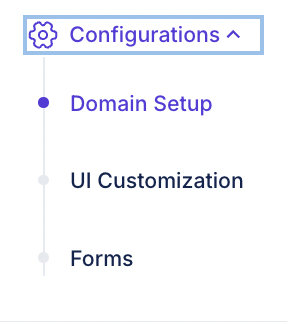
This is what the Configurations tab looks like