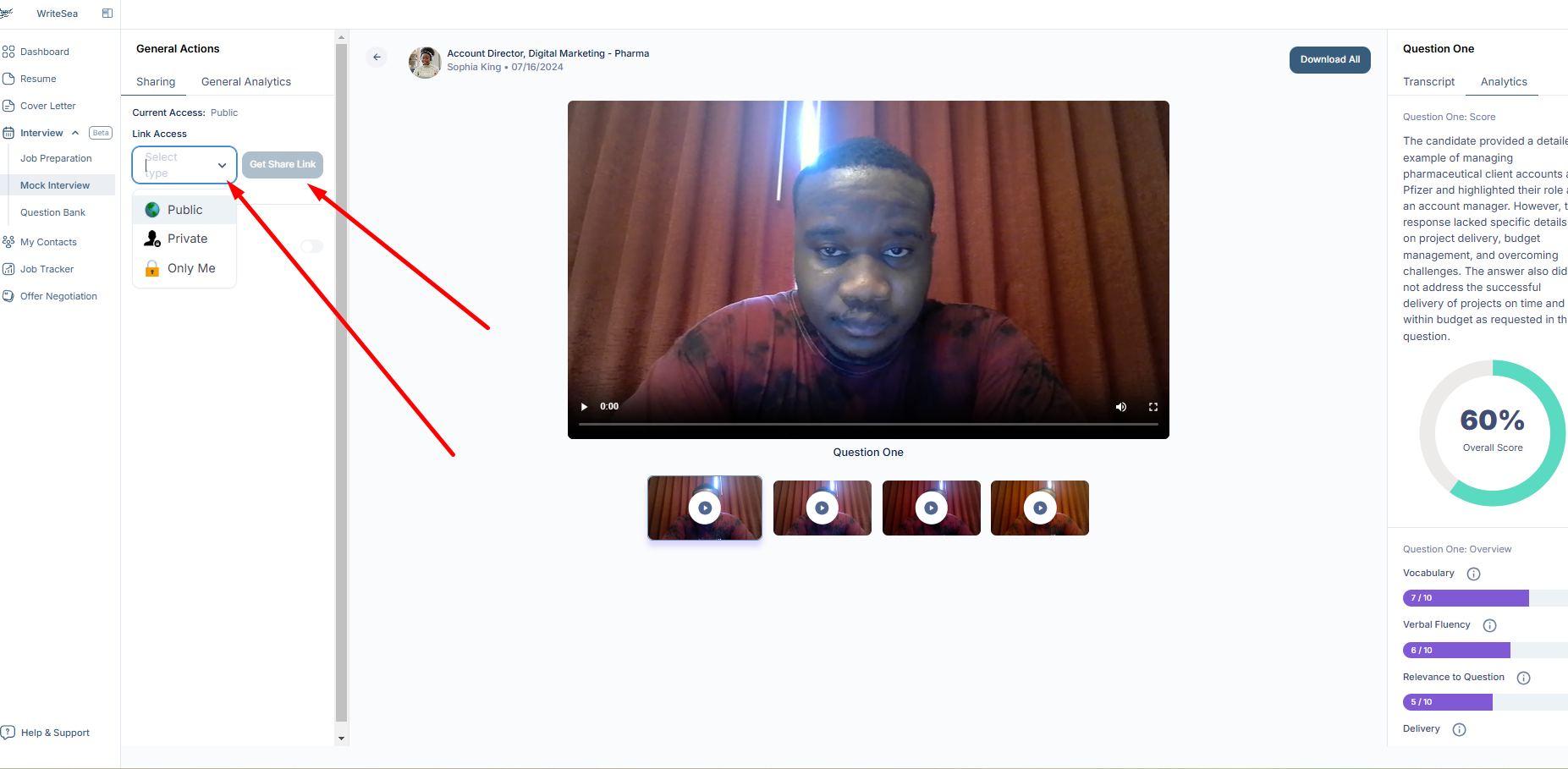
Simulate real interviews with AI-generated questions, live feedback, and performance scoring.
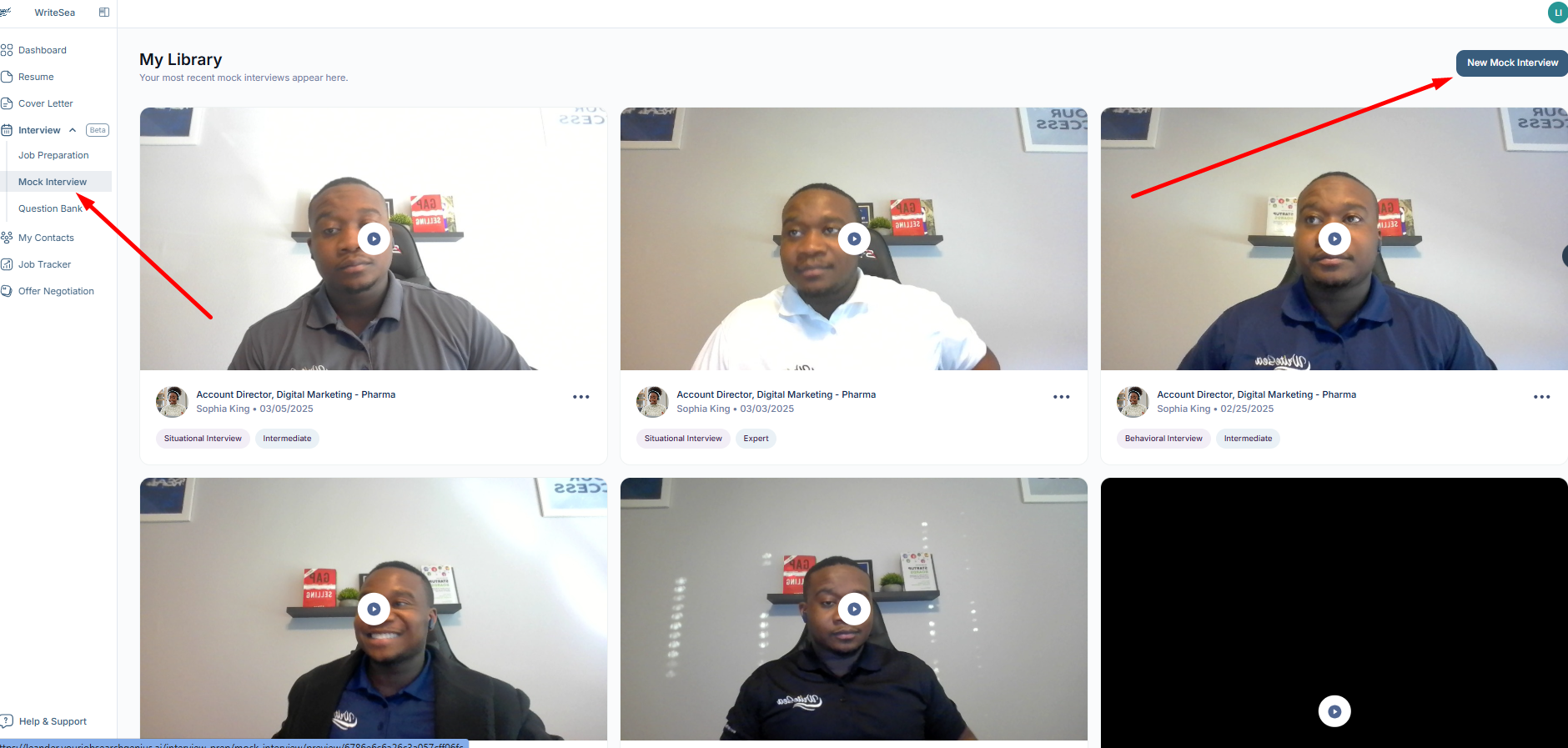
1: Access the Mock Interview Tool
- Click “Interview” in the left menu.
- Select “Mock Interview” and then click “Create Mock Interview.”
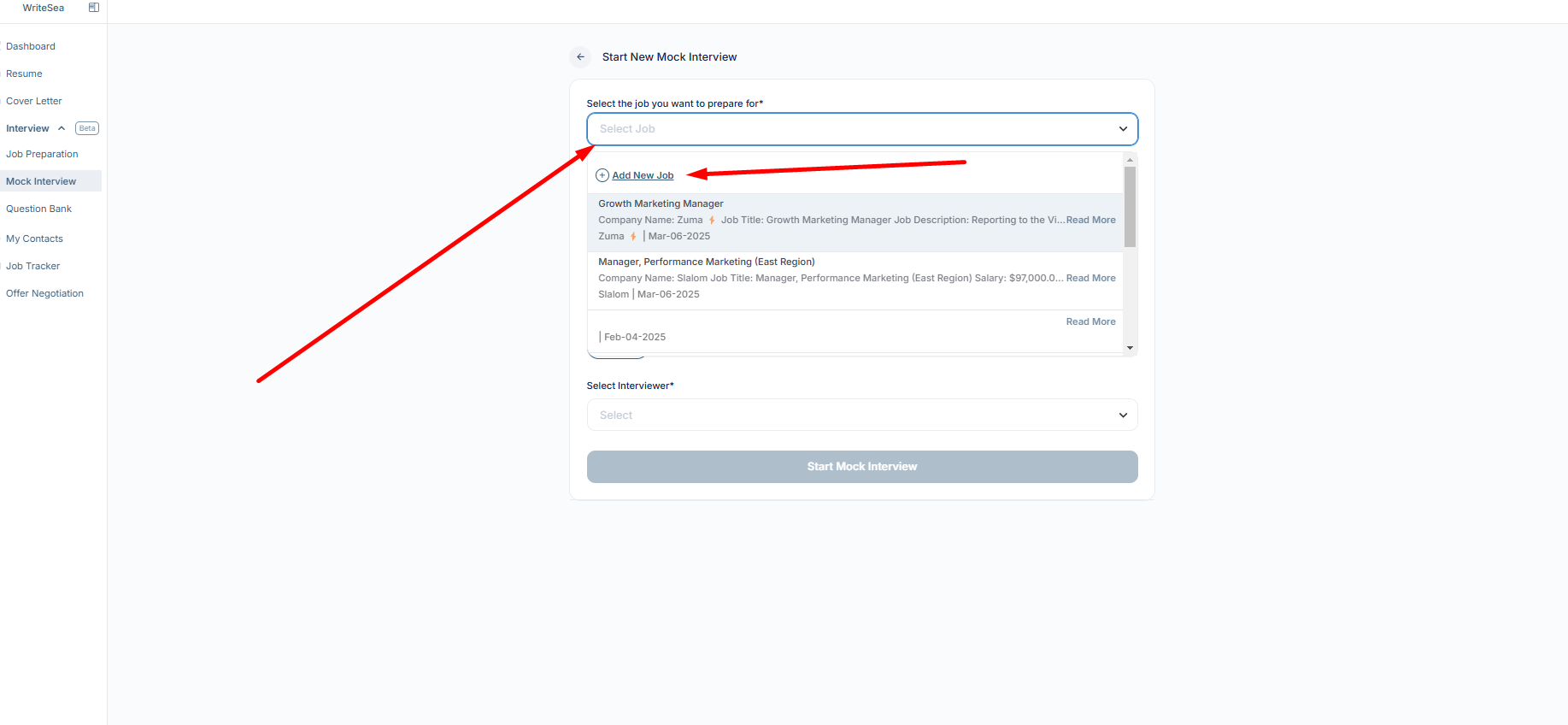
2: Choose a Job for Your Interview
- Select a job from your existing job portal, or
- Click “Add New Job” to enter a new job listing.
3: Select the Interview Question Source
When creating a mock interview, you now have two types of questions to choose from:
-
AI Generated Questions
These are questions automatically curated by our AI model based on your resume, job description, and selected interview stage. -
Admin Customized Questions
These are questions carefully created by your career coaches or administrators. They are designed to target specific skills, competencies, or role-specific requirements.
How to Select:
- Click Create Mock Interview.
- In the Question Source section, toggle between AI Generated Questions and Admin Customized Questions depending on your preference.
-
Hover over the info icon (
i) to see a brief explanation of each option.
4: Select the Interview Stage
Choose the type of interview based on your job role:
- Intro Call
- Behavioral Interview
- Technical Interview
- Situational Interview
- Culture Fit Interview
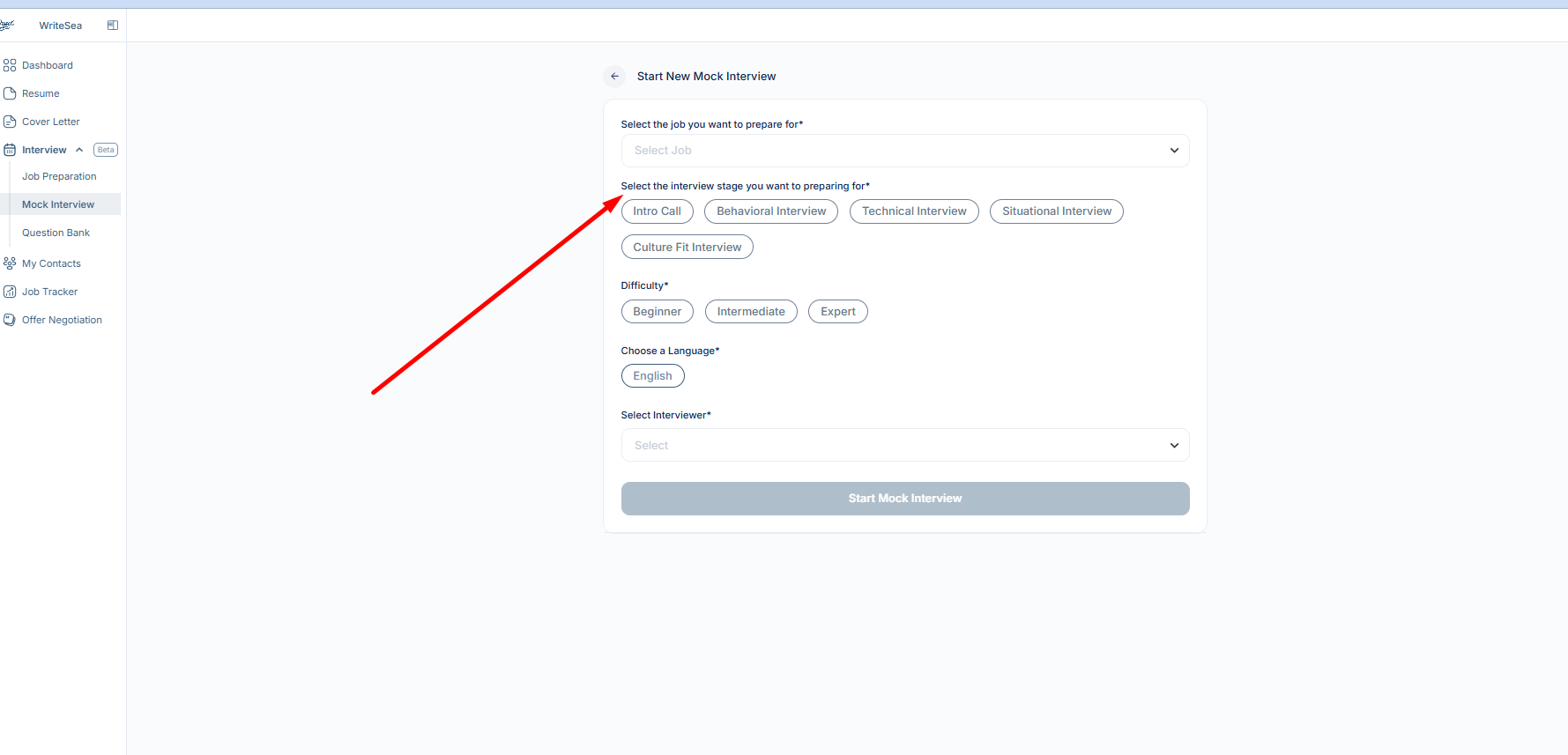
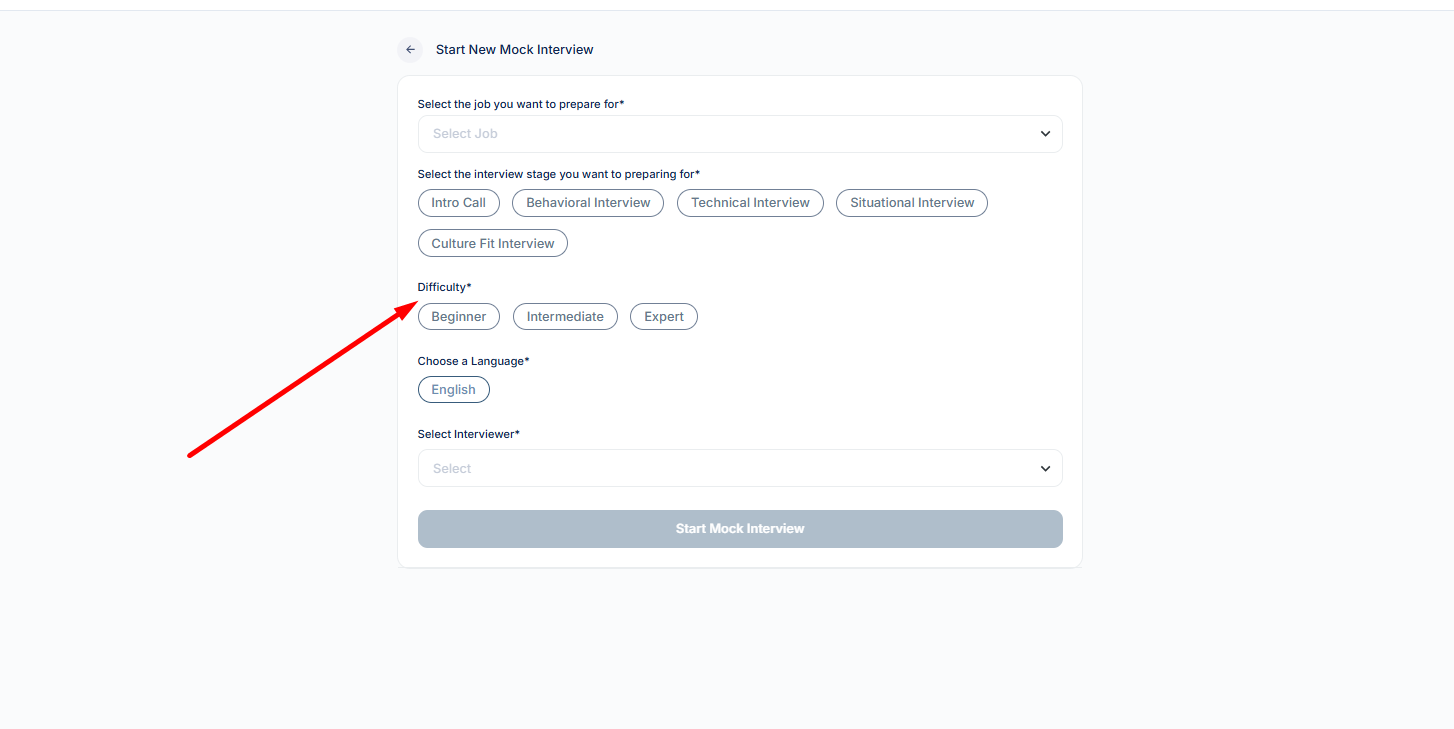
5: Set the Difficulty Level
Choose from:
- Beginner (easier questions)
- Intermediate (moderate difficulty)
- Expert (challenging questions)
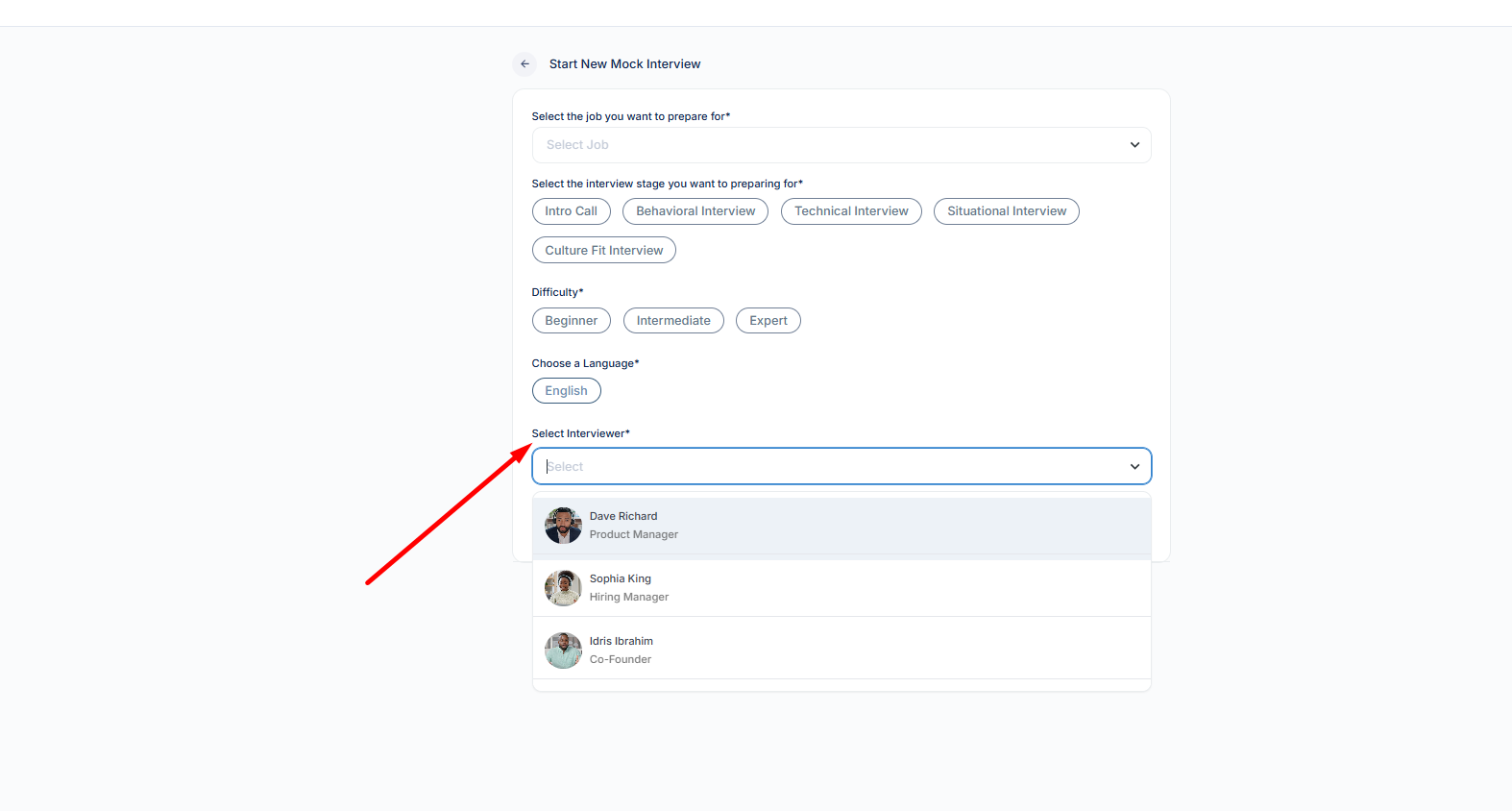
6: Pick Your Interview Avatar
- Select an AI-powered interviewer for a realistic experience.
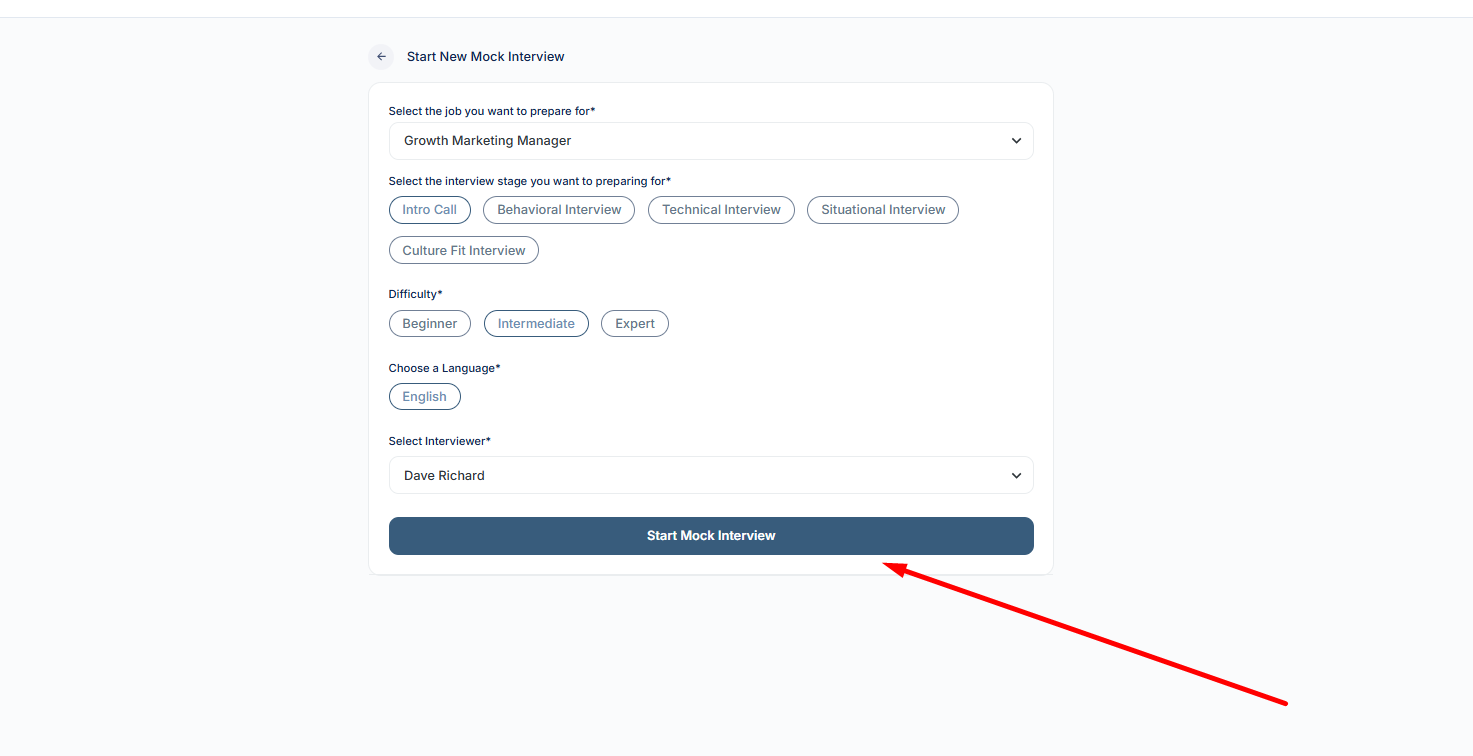
7: Start Your Mock Interview
- Click “Start Mock Interview.”
- The tool will generate four AI-driven questions based on:
- Your resume
- The job description
- The interview stage
- The selected difficulty level
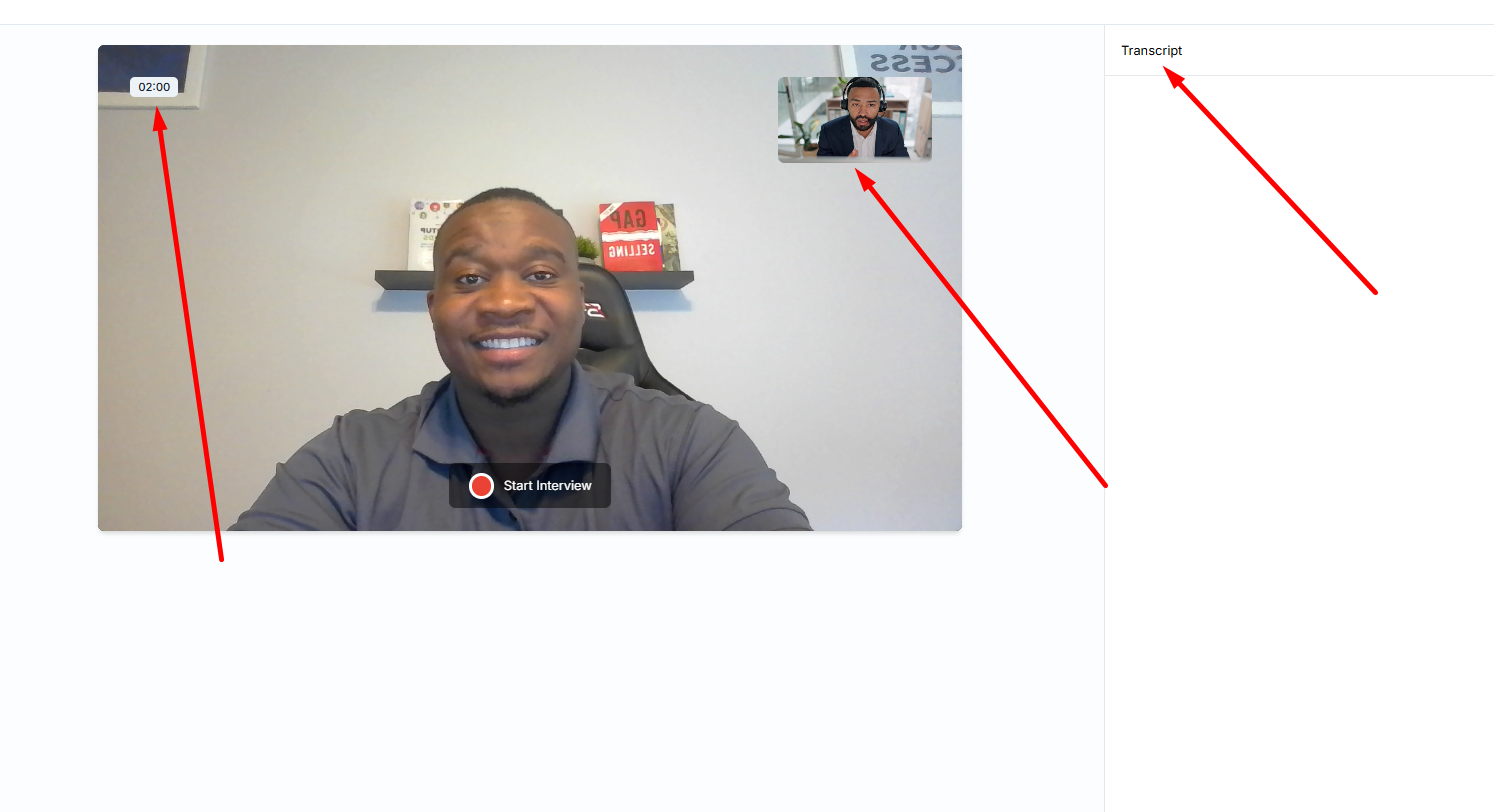
8: Answer the Questions
- You’ll be given two minutes to respond to each question.
- Your audio will be transcribed in real-time on the right panel.
9: Receive Feedback & Improve
At the end of the interview, you’ll get:
- An overall interview score
- Detailed feedback on each question
- Suggestions to improve your responses
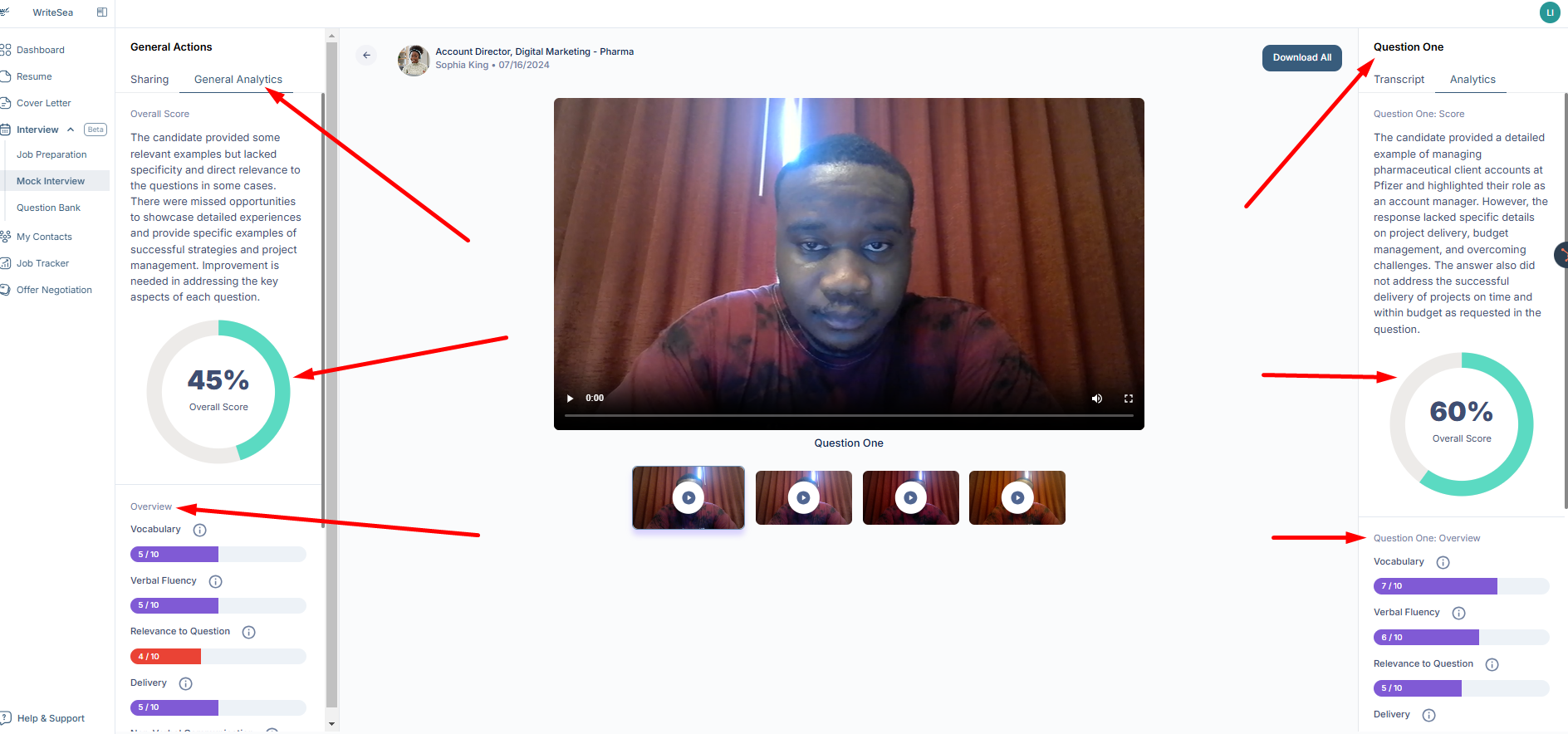
10: Review & Share Your Interview
- Watch your recorded responses for self-evaluation.
- Share your interview feedback with a career counselor or mentor.