
Import job listings, analyze key qualifications, and prepare for applications with structured insights.
1: Access the Interview Preparation Tool
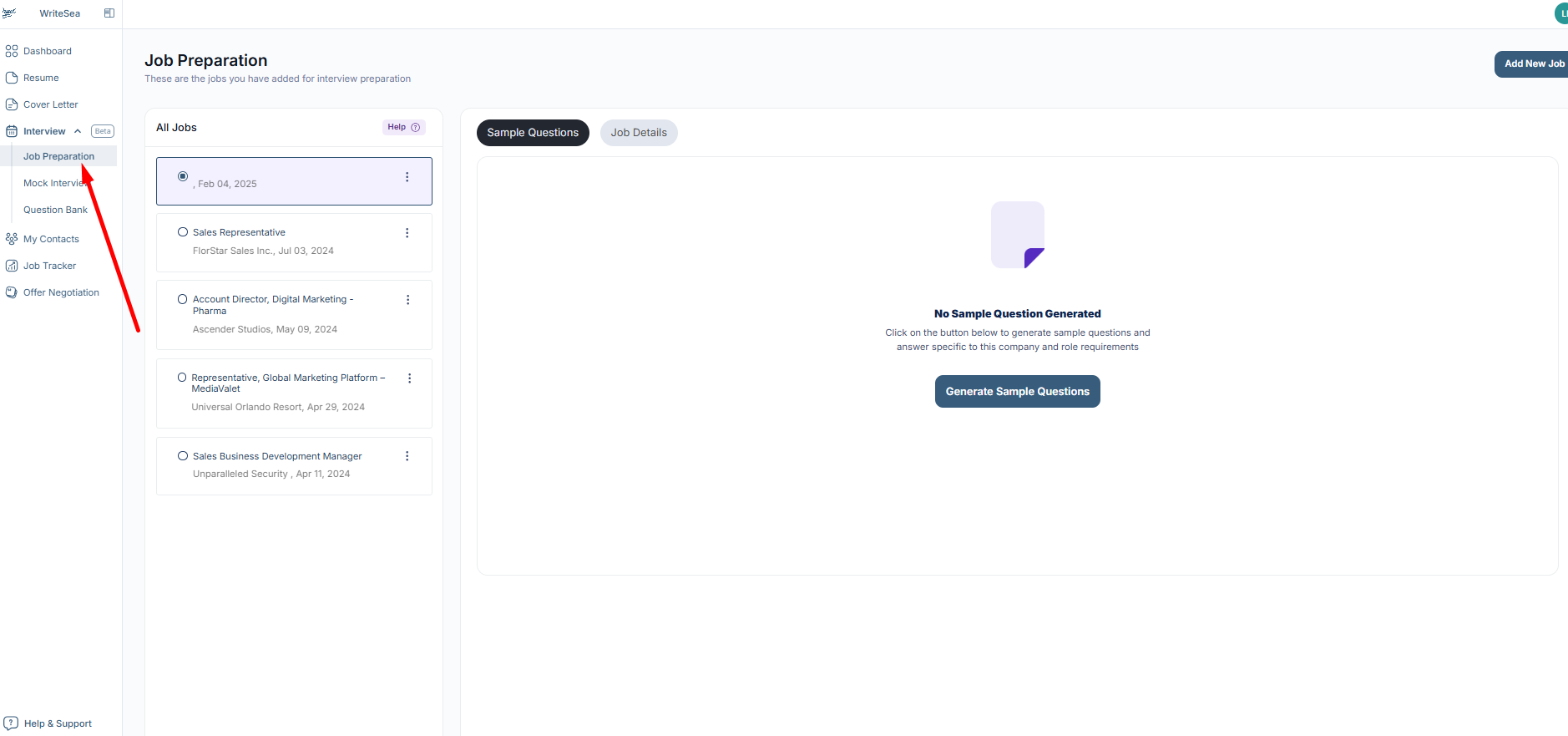
- Navigate to "Interview" in the left menu.
- Click on "Job Preparation."
2: Add a Job for Interview Practice
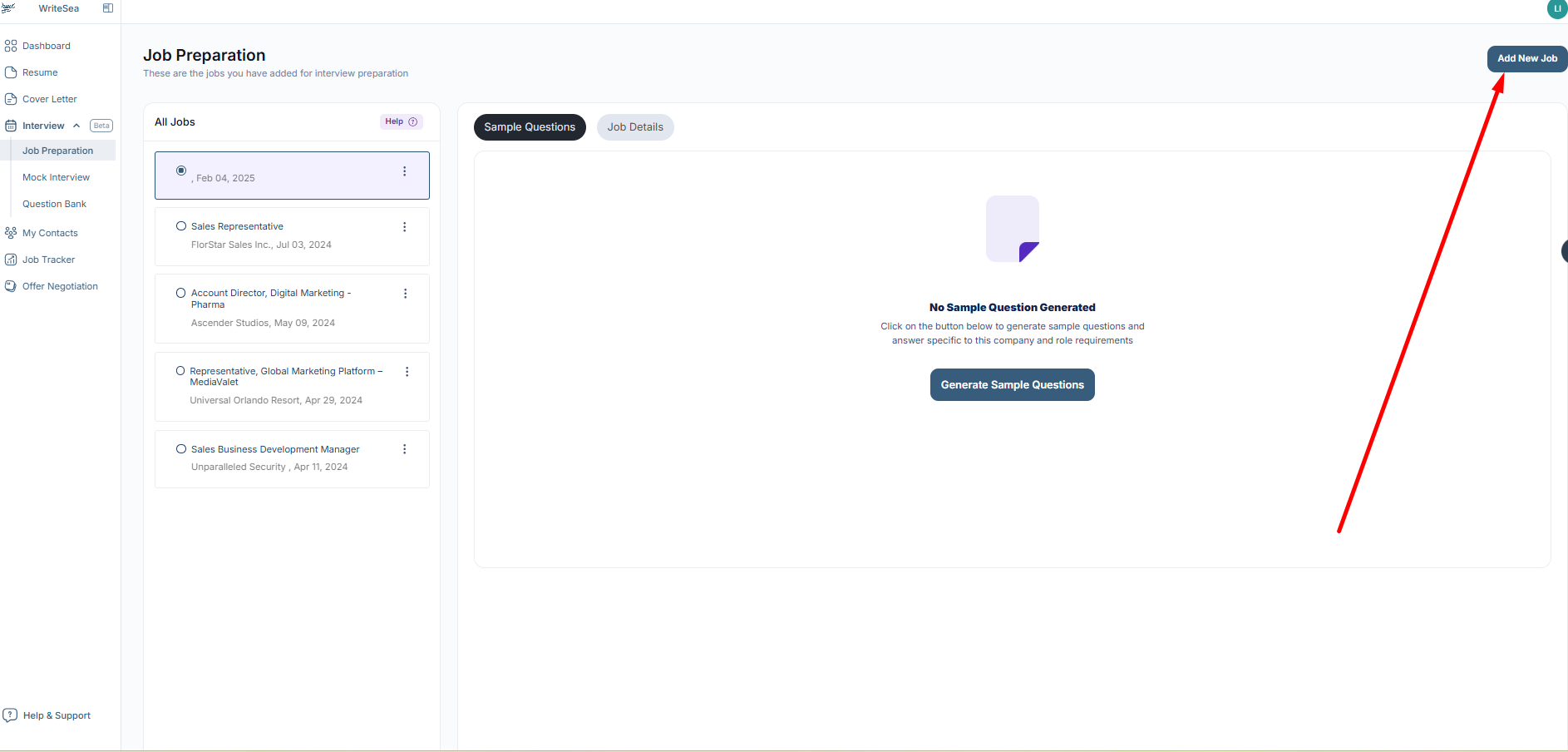
- On the left, you'll see the jobs you've already imported.
- To add a new job, click "Add New Job" on the right.
3: Generate Sample Interview Questions
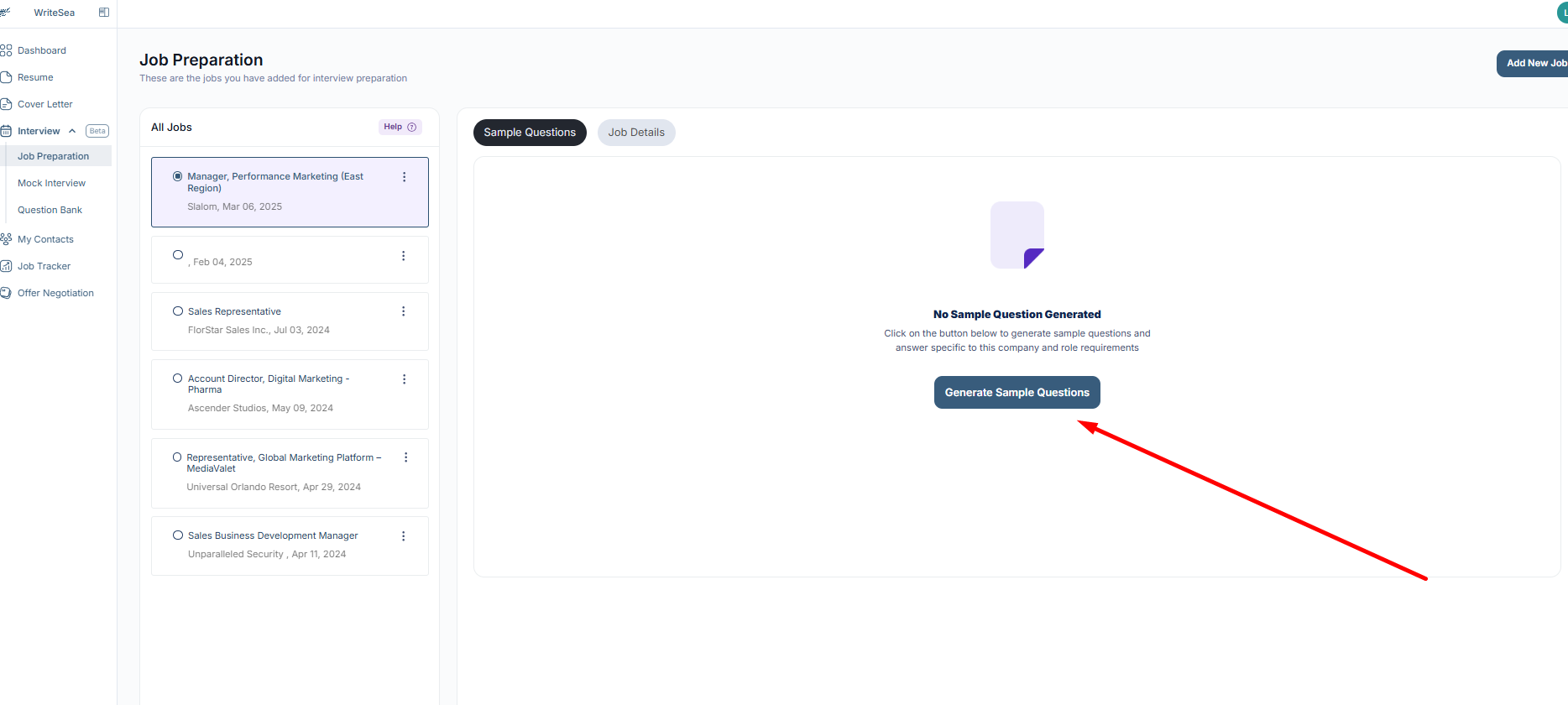
- Click the "Generate Sample Questions" button.
- The tool will analyze the job description and create eight high-quality interview questions.
4: Review the Interview Questions
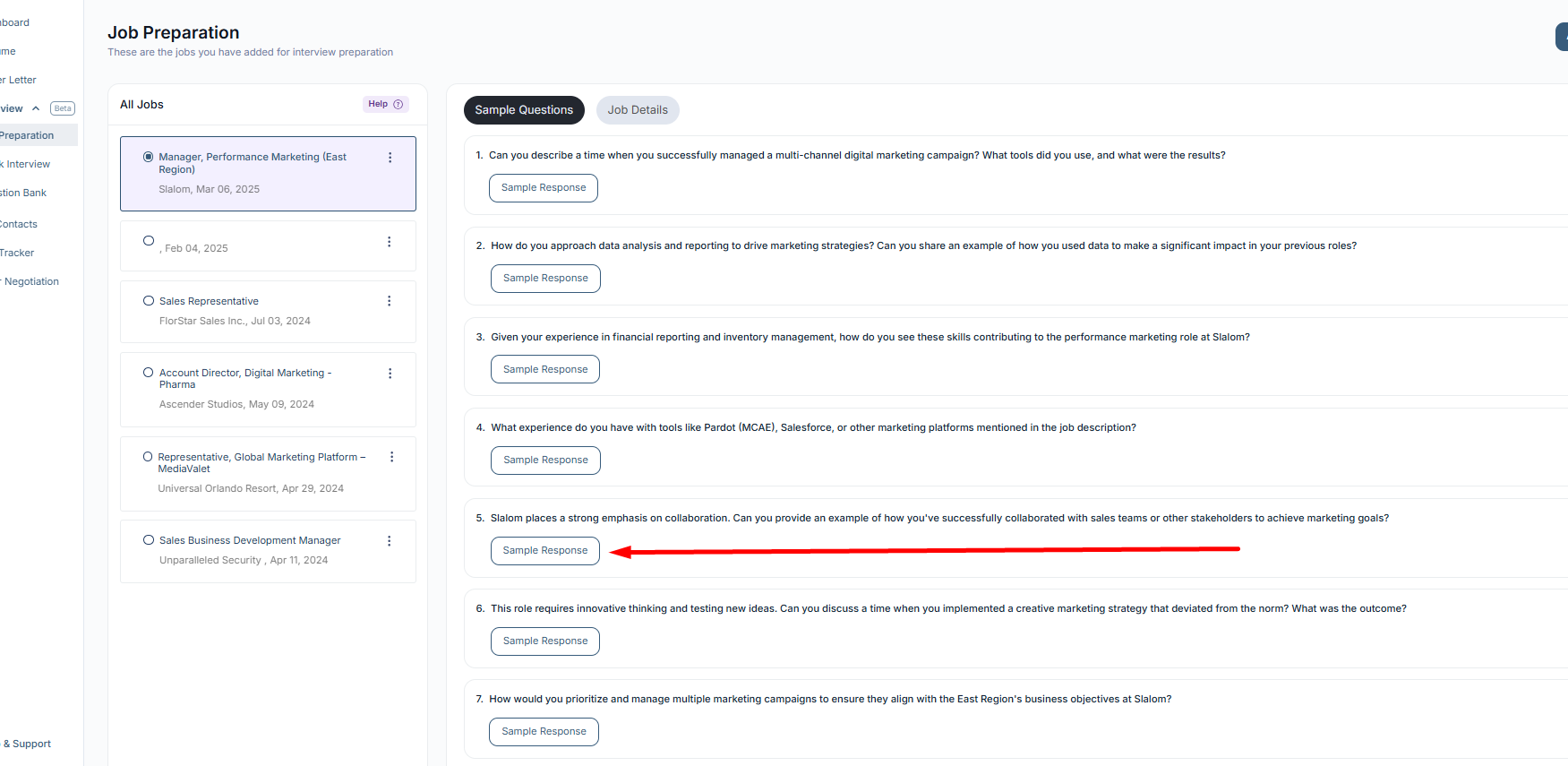
- Read through the questions and select one that resonates with you.
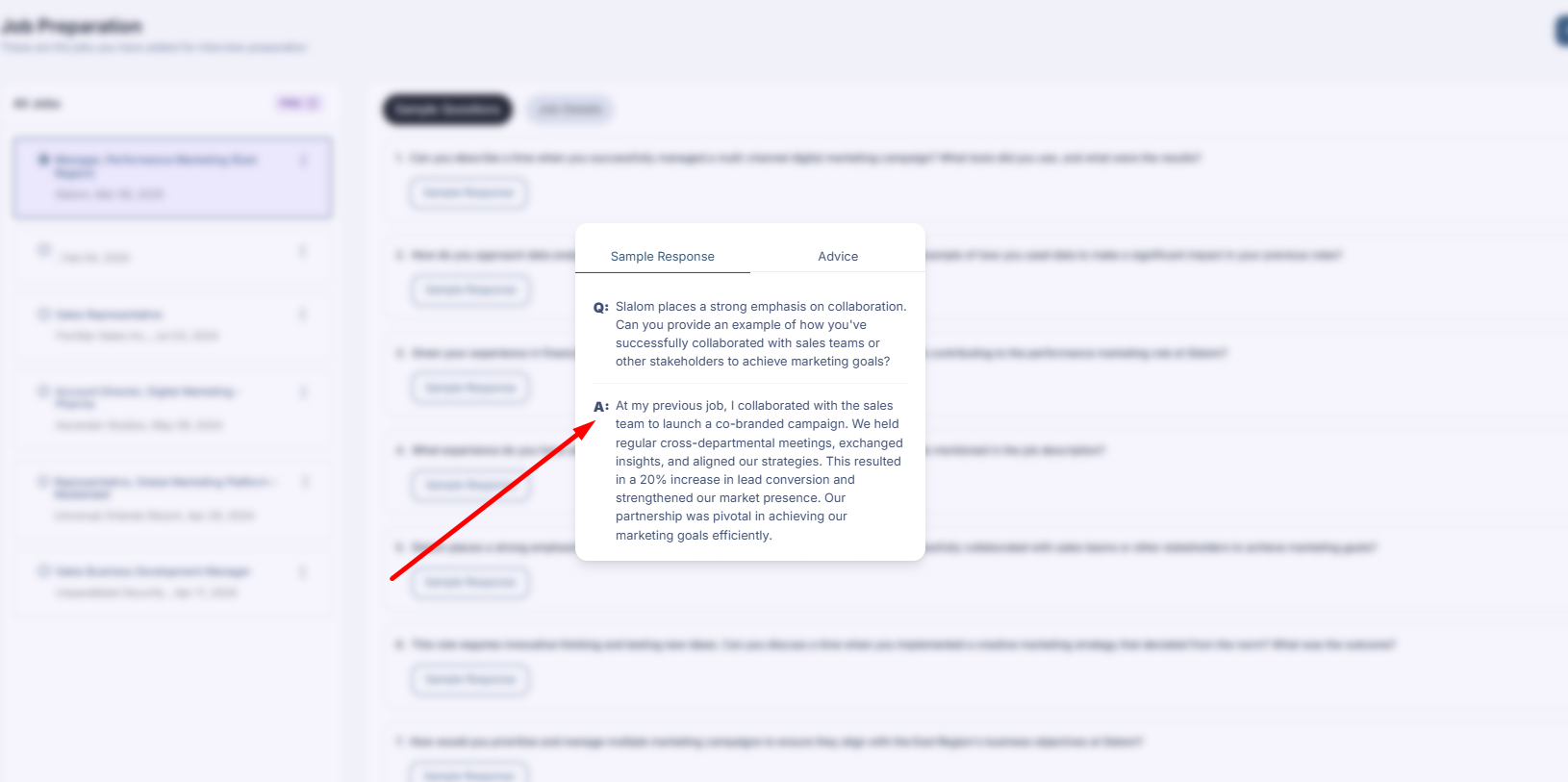
- Click "Sample Response" to view an example answer.
5: Customize Your Responses
- Review the sample response and adapt it to your own experience.
- Think about how you would answer this question in a real interview.
6: Get Additional Interview Guidance
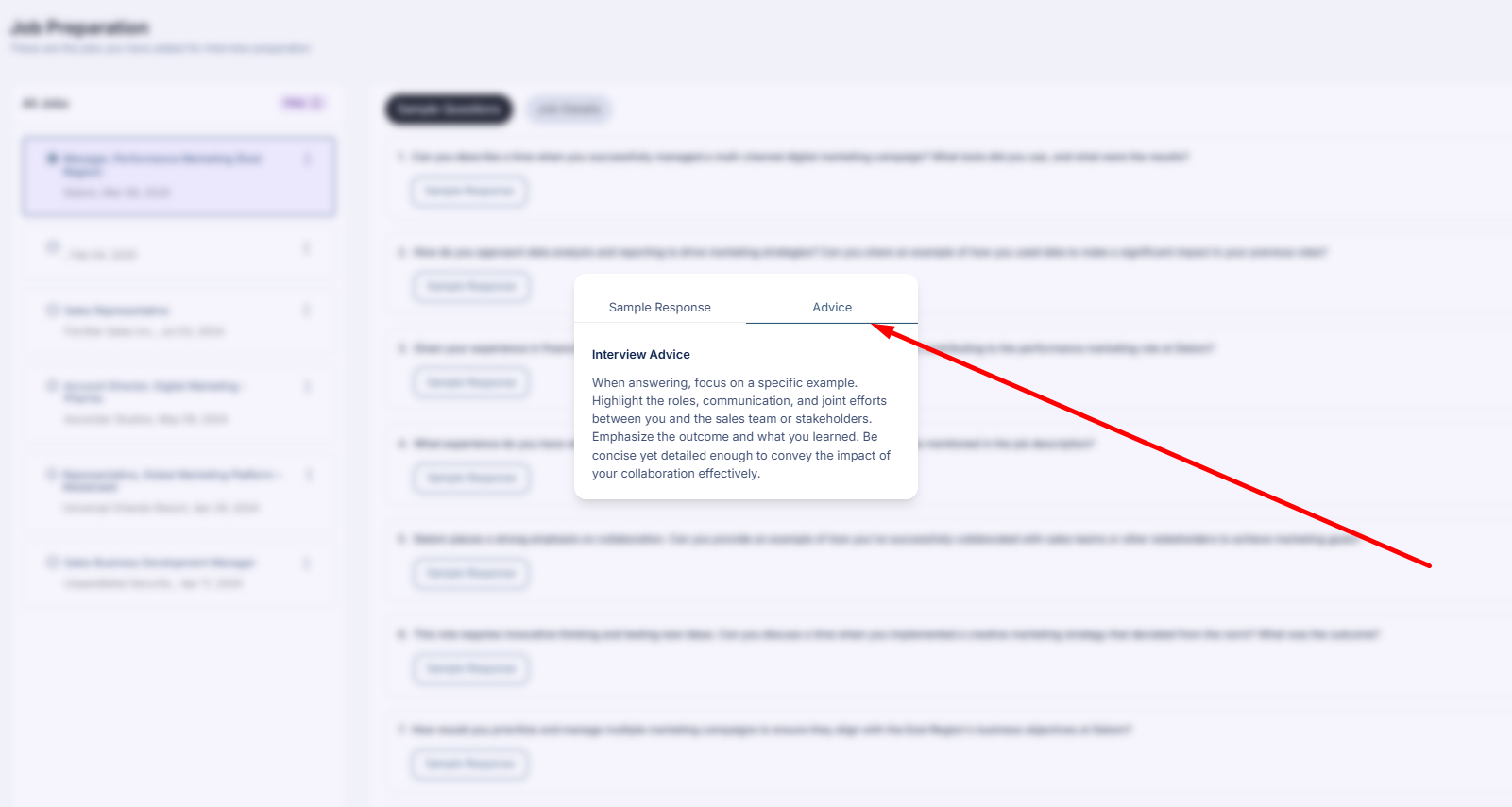
- Click "Interview Advice" for step-by-step guidance on structuring your answer.
- Each question comes with tailored tips to improve your responses.
7: Practice with Multiple Questions
- Repeat this process with different questions.
- Gain insights from multiple sample responses and interview tips.